 labahan
Money
Accepting GCash and Maya at your laundry shop without getting fooled
By the Labahan team · October 18, 2026 · 3 min read
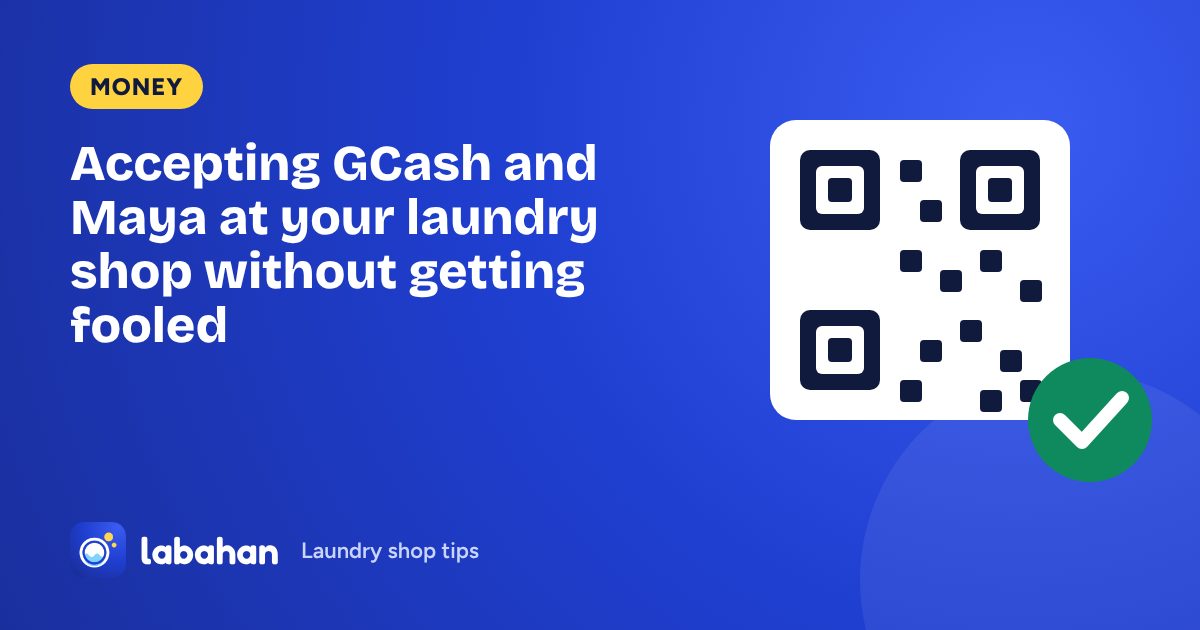
E-wallet payments are convenient for customers and mean less cash in the drawer. They also bring a new problem: a screenshot is not proof that money arrived.
The safe way, step by step
Why screenshots aren’t enough
- A screenshot can be edited, or be an old payment shown again.
- The payment may have gone to a different number with a similar name.
- The customer may have paid a smaller amount than the bill.
The only proof is the payment in your own app, with the same reference number and amount. When it is busy, ask the customer to wait a moment while you check. Honest customers understand.
Record the reference number every time
A reference number written next to the stub number lets you answer any question later: who paid, how much, and when. It also catches the same reference being used twice, a common trick.
Keep e-wallet money separate from the drawer
E-wallet payments should never be counted in the cash drawer. At closing, check your cash and your e-wallet history separately. See our cash count guide.
How Labahan helps
In Labahan Manager, add your own GCash or Maya Receive money QR once. Customers can pay from their tracking page before pickup and tap “I paid” with the reference number, then you confirm it after checking your app. The money goes straight to your own account; Labahan never holds it. Every reference is listed on Today, and the app warns you when a reference number was already used on another payment.